 Slack
 Gmail
 Outlook
 Asana
How to Actually Get All Your Work Notifications in One Place (Without Just Moving the Clutter)
Putting all your tabs in one browser does not fix notification overload. Here is how to build a unified inbox that actually manages your attention.
If you are reading this, you are probably exhausted by the endless cycle of tool-hopping. You check Slack for an urgent client message, tab over to Gmail to find a missing attachment, and then open Asana to update a project status. The standard advice for fixing this is to use a browser aggregator that puts all your web apps into a single sidebar. But moving your clutter into one room does not organise it. You still have to do the manual labour of clicking through five different inboxes to figure out what matters.
The Real Cost of Context Switching
Every time you switch contexts between an email and a chat ping, your brain pays a tax. Research shows it takes over 20 minutes to fully regain deep focus after an interruption. For freelancers and independent entrepreneurs, that app-hopping is not just annoying. It translates to around 20 hours of lost billable time every single month.
Lost billable time every month for freelancers and independent entrepreneurs due to app-hopping and notification-driven context switching. Each individual interruption costs over 20 minutes of deep focus to recover from.Source: UC Irvine research on interruption and focus recovery
The problem is structural, not personal. Each tool you use was built to surface its own updates as urgently as possible. None of them were designed to understand your whole workload or tell you whether right now is a good time to interrupt you. That gap is where the lost hours live.
Aggregation vs. Digestion
The problem with most unified workspaces is that they just aggregate. They put a red dot on your Slack icon next to a red dot on your Gmail icon. You still have to open each one, read everything, and decide for yourself what is urgent and what can wait. That is still work before work.
To actually solve notification overload, your tools need to move from aggregation to digestion. Digestion means reading across those platforms to understand priority, urgency, and context before you even look at the screen. The difference is significant. Aggregation saves you one click. Digestion saves you twenty minutes.
An aggregating tool asks: where should I send this notification? A digesting tool asks: does this person actually need to know this right now, and if so, how urgent is it relative to everything else they are dealing with today?
How to Build a True Unified Inbox: Three Core Capabilities
If you want to stop working for your tools and make your tools work for you, your inbox needs three capabilities that most aggregators do not have.
- Automatic PrioritisationNot all notifications are created equal. A unified inbox must be able to separate a casual team update from an urgent client request requiring immediate action. Without this, you are still reading everything to find what matters, which is exactly the problem you were trying to solve. The AI needs to tell you the answer before you open anything.
- Contextual Thread GroupingIf a client emails you a document and then messages you about it on Slack, those are not two separate tasks. They are one continuous thread. A smart inbox groups these by sender or subject, meaning you see the whole picture instantly without manually cross-referencing two different apps to understand the full conversation.
- Seamless Action via Go to SourceYou do not need another platform to reply from. The ideal workflow is triaging the noise centrally, then clicking a single Go to Source button to jump exactly to the right Slack thread or Gmail message or Asana card to do the actual work. Noticue stays out of the way for the work itself. It handles the discovery so you can focus on the action.
The Noticue Approach
This is exactly the problem Noticue was built to solve. It does not just put your apps in one place. It digests them. By pulling Slack, Gmail, Outlook, and Asana into one intelligent feed, Noticue filters the noise and gives you the exact actionable cues you need for the day.
The difference in practice is immediate. Instead of opening four apps to understand your morning, you open one feed that already knows what is urgent, what can wait, and what needs a reply. Instead of reading everything to find the important message, you see the important message first, with everything else already ranked behind it.
And when you are ready to act, Go to Source takes you straight to the original. Noticue handles the triage. Your existing tools handle the work. That is the division of labour that eliminates the 20 wasted hours a month.
Stop checking apps. Start getting the cue.
Frequently asked questions
What is a unified notification inbox?
A unified notification inbox is a single feed that pulls alerts from all your work tools, Slack, Gmail, Outlook, Asana and more, into one place. The key difference between aggregation and a true unified inbox is digestion: a smart unified inbox does not just display all notifications together, it prioritises them by urgency and context so you know what needs action before you open anything.
How do I stop context switching between work apps?
The most effective way to stop context switching between work apps is to reduce the number of places you need to check. A unified notification inbox that pulls Slack, Gmail, Outlook and Asana into one prioritised feed eliminates the need to open each app individually. Pair this with a Go to Source button so you only open the original app when you are ready to act, not to discover what arrived.
What is the difference between aggregation and digestion for notifications?
Aggregation means collecting all your notifications in one place without changing anything about them. You still have to read everything to figure out what matters. Digestion means the tool reads across all your notifications, understands urgency, groups related threads, and surfaces what actually needs your attention before you open anything. Digestion is what eliminates the manual labour of inbox triage.
Keep reading
More from the blog
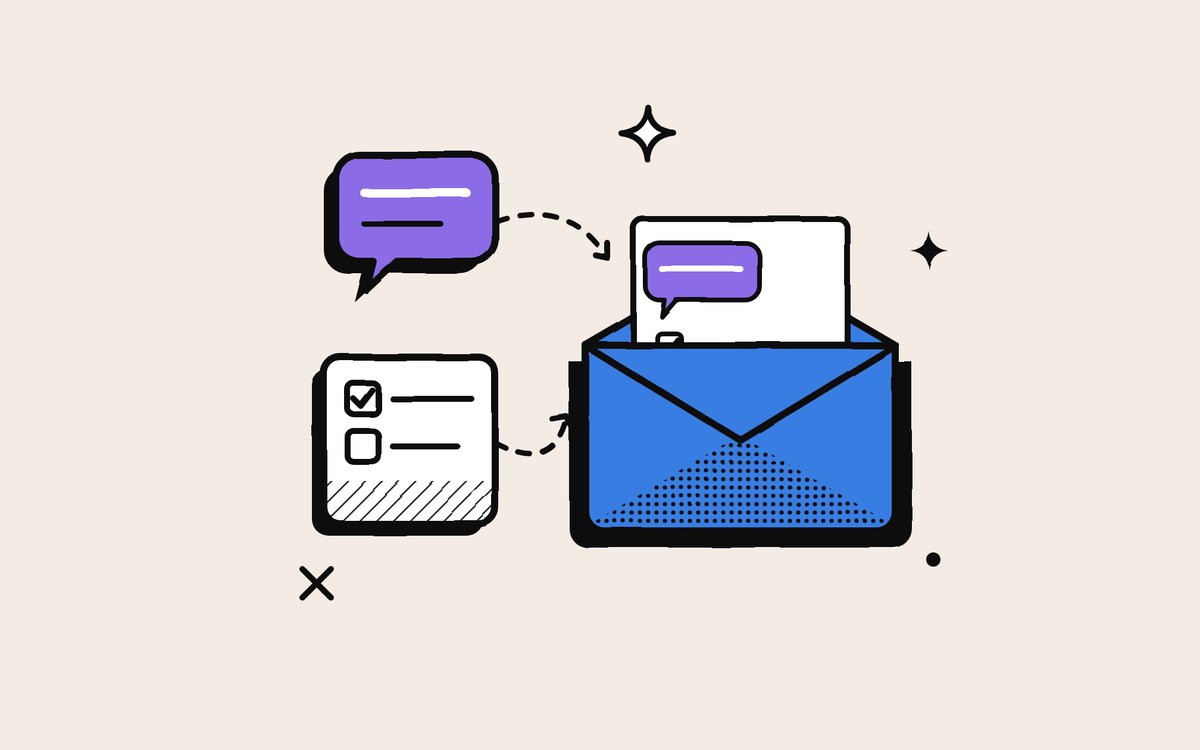
Why People Copy Slack and Asana Into Their Email (and Whether It Will Last)
The email echo is not a rejection of Slack or Asana. It is an insurance policy against their speed. Why people choose it, and what to do instead.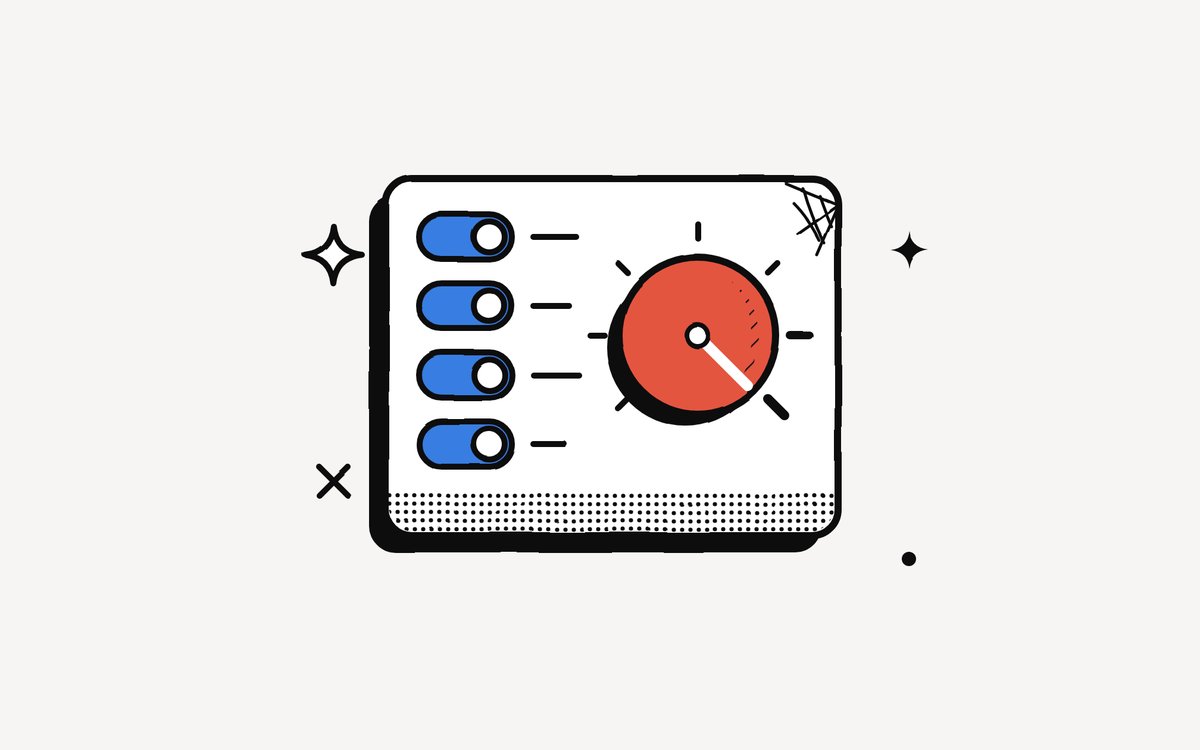
Defaults Decide: Why Your Tools Are as Noisy as on Day One
Whoever sets a tool's notification defaults decides how noisy thousands of working days will be. The research on defaults, and how to reset yours in 20 minutes.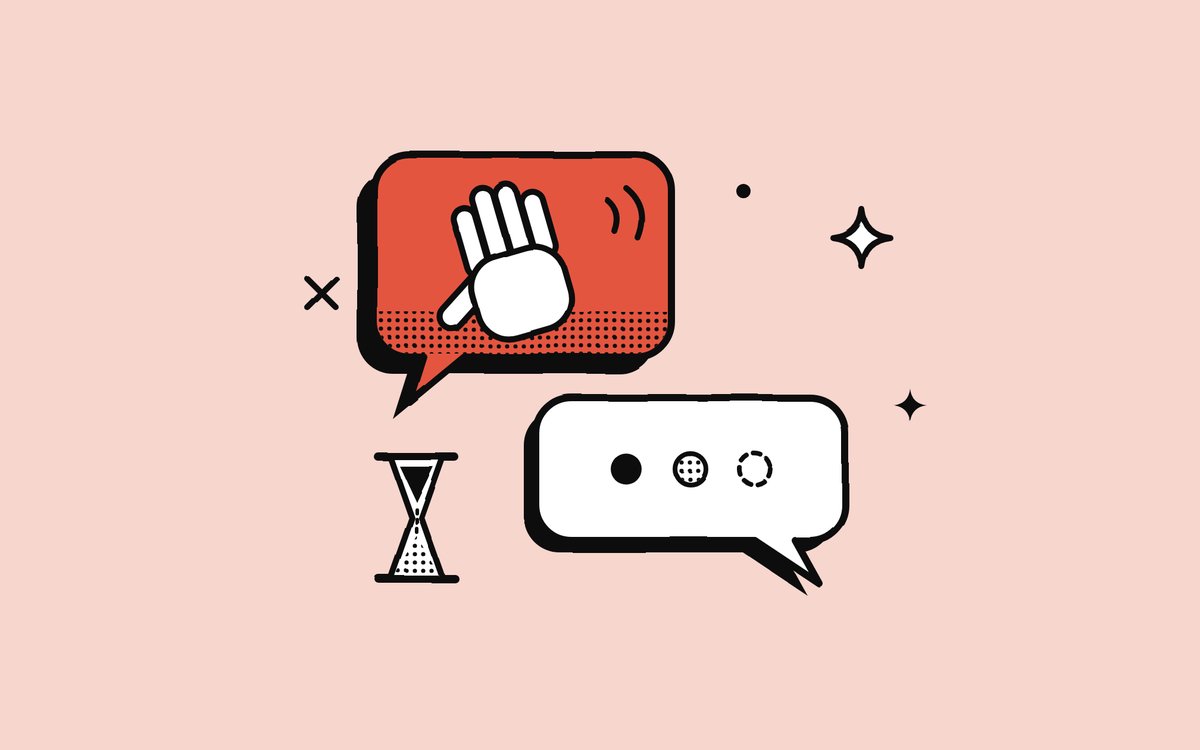
Why "Hi" Is the Worst Notification You Can Send
A lone "Hi" is a knock at the door with nobody there. Why it is the emptiest notification at work, and the one habit that fixes it.Your unified notification inbox for Slack, Gmail, Outlook and Asana.
Every alert understood, prioritised, and ready to act on. We don’t manage your work. We digest it for you.
No credit card needed