 Slack
 Gmail
 Outlook
 Asana
Why People Copy Slack and Asana Into Their Email (and Whether It Will Last)
They use the apps every day, and still ask for copies in their inbox. Why keep the echo when the original is a click away?
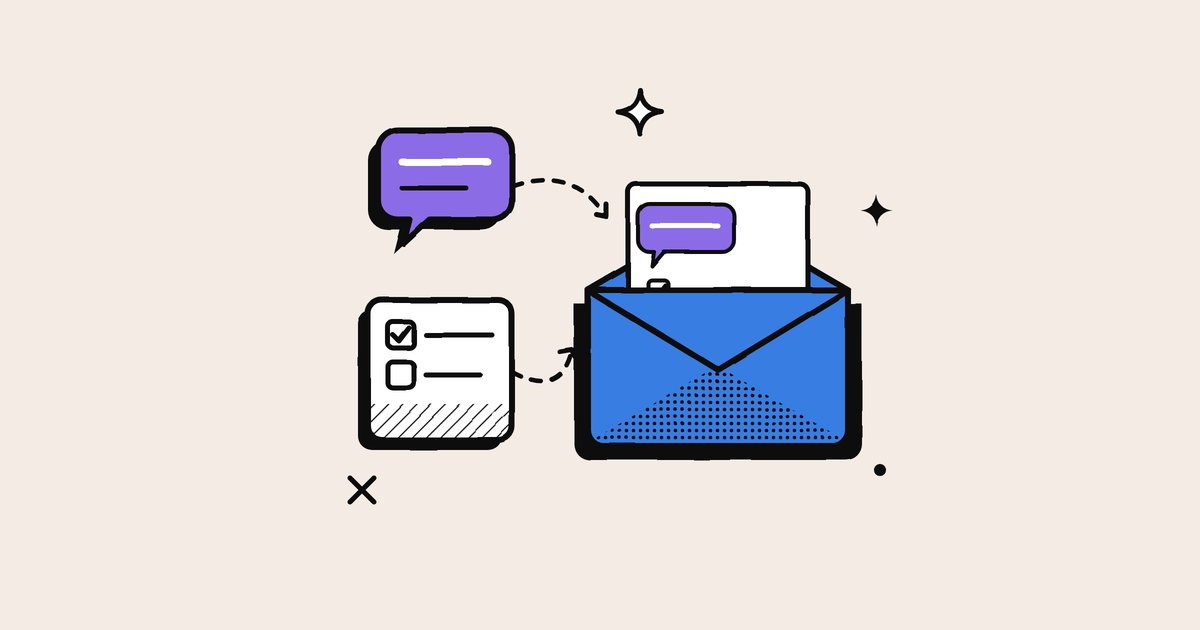
The people in this post are not choosing email instead of Slack or Asana. They use those apps every day, and still ask for copies of their notifications in the inbox. Slack, for example, can email you about mentions and direct messages when you are not active, bundled every 15 minutes or once an hour (Slack Help). Why keep the echo when the original is only a click away?
Four reasons people choose the echo
- A safety net. Chat moves fast, and an important message can be buried under dozens of newer ones within an hour. Email copies catch what arrived while you were in a meeting or offline.
- One queue for everything. For many people, the inbox is their master to-do list. Copying other apps into it means one place to check, sort and clear. In a 2019 survey for the email app Spike, 84% of people said switching between apps slowed them down (MediaPost).
- Their own pace. Inside Slack or Teams, a message feels as if it wants an answer now. The email copy lets you work through the same notifications at a time you choose.
- A record that lasts. An email is easy to find months later, long after a chat thread has scrolled out of sight.
Who leans on it most
People whose work faces outward, in sales, account management, procurement and leadership, sit on the border between their team's tools and their clients' inboxes, so they keep the echoes where their clients already are. Coordinators who touch many tools use the inbox as one queue. Occasional users rely on email to know when they are needed. People who batch their work treat the inbox as the place everything waits until the next session.
Why do you keep the email echo?
Find your main reason for copying app notifications to email, and the better tool for the same job.
This interactive part needs JavaScript.
What the echo costs
Echoes gather copies, not the work itself. The same mention arrives in the app, on the phone, in the inbox and in chat. A bundle sent every hour can be out of date before it is read. A copy shows one message without its thread. Replying from email may not reach the conversation where everyone else is working. And reading it in one place does not mark it read in the others, which is how one comment ends up in four places.
Keep the benefits, lose the echo
- Safety net: use the app's own "saved for later" or to-do list instead of an email copy.
- One queue: switch per-event emails to a daily digest, so the inbox holds one summary, not fifty copies.
- Your own pace: schedule two or three check-in windows (see 7 systems for taming notifications).
- A lasting record: note decisions on the task itself, where the work lives.
Email is unlikely to disappear. It is more likely to narrow, from an alarm for every event to the channel for what you missed, what you must keep, and people outside the tool, as Your Inbox Belongs to Machines explains.
Frequently asked questions
Why do people forward Slack messages to email?
As a safety net for missed messages, to keep one queue to clear, to answer at their own pace, and to keep a lasting record.
Should I turn off Slack email notifications?
Keep them for direct messages and mentions while you are away if you need a safety net, and turn off copies of activity you already see in the app.
Will email notifications go away?
Probably not. Email is likely to narrow to what you missed, what you must keep, and people outside the tool, while chat becomes the live feed.
Sources
- Configure your Slack notifications, Slack Help Center
- The email generations: all age groups prefer email over messaging apps (Spike survey), MediaPost (2019)
People keep working in the apps. They simply want a second, slower place where nothing important slips past.
Keep reading
More from the blog
Defaults Decide: Why Your Tools Are as Noisy as on Day One
Whoever sets a tool's notification defaults decides how noisy thousands of working days will be. The research on defaults, and how to reset yours in 20 minutes.
Why "Hi" Is the Worst Notification You Can Send
A lone "Hi" is a knock at the door with nobody there. Why it is the emptiest notification at work, and the one habit that fixes it.
Your Inbox Belongs to Machines: Only 13% of Email Is Written by Humans
Most of your inbox was written by software. Why tools send notification email by default, what the echoes cost, and why email is becoming the archive, not the alarm.Your unified notification inbox for Slack, Gmail, Outlook and Asana.
Every alert understood, prioritised, and ready to act on. We don’t manage your work. We digest it for you.
No credit card needed