 Slack
 Gmail
 Outlook
 Asana
Write for the Preview: Your First Line Is Your Urgency
A notification gets a second or two. In that glance the reader decides now, later or never. Here is how to make the first line do the work.
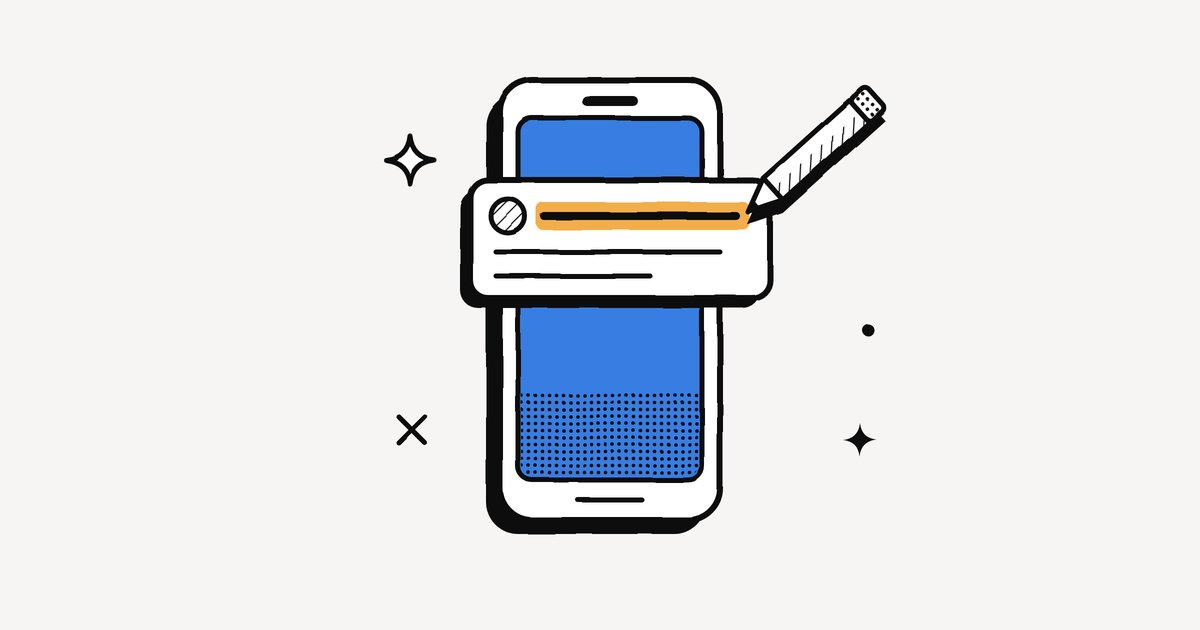
A second or two. That is usually all a notification gets: one glance in which the reader decides what you are asking, how soon, and whether it can wait. Almost everything rests on that glance, and most of us waste it on "Hi!" If you want your requests answered at the right time, learn to write for the preview. Your first line is your urgency.
People have always been judged at a glance
A face is read before it speaks: in a Princeton study, people judged a stranger's trustworthiness from a photo shown for a tenth of a second, and more time mostly made them more confident in the same verdict (Willis and Todorov, 2006). A newspaper is chosen by its headline: the advertising pioneer David Ogilvy reckoned that five times as many people read the headline as the body copy. A letter was judged by its envelope long before anyone reached for the letter opener.
The notification is all three at once: the face of a request, its headline and its envelope. It is now the first, and often the only, part of a message people read. That makes its first few words the most valuable real estate in work communication.
Free ebookThe Language of InterruptionThe research behind every notification you get at work: where they came from, what they cost and what to do about them. 131 pages, free PDF.Get it free →Triage happens in the preview
With well over a hundred messages a day, nobody opens everything. People look at the banner and make a split-second call: now, later or never. It is not reading but sorting, the way a postal worker once filed letters into pigeonholes without opening a single one. Repeat that for the 270 messages a day Microsoft counts for the average worker (Microsoft), and those split seconds become hundreds of small verdicts. The sender never learns which pile their message landed in.
Receivers read urgency from small cues, whether you meant them or not: who sent it, where it arrived, the words used, and the time it landed. A ping at 9 p.m. feels urgent even when it is not.
The preview is the new subject line, only harsher
An email subject line was a field you filled in on purpose. A preview is simply whatever your first words happen to be, cut off wherever the screen ends. Many of us still write as if the reader will open the message: a greeting, some context, and the actual request at the end, where the preview never reaches.
Picture Maria's message about the Q3 budget: "Hi! Hope your week is going well. Quick update on the budget..." The new deadline, the 15% cut and the Thursday sign-off all sit below the cut. A reader sorting at a glance files it under "nice, later", and Thursday arrives before they know it moved.
Six habits for writing for the preview
- Ask first, then explain. "Can you approve the Q3 budget by Thursday 3 pm?" then the context. Not the other way round.
- Put the time in the first line. "By Friday", "today before 2", or "no rush, next week is fine". Saying it is not urgent is as useful as saying it is.
- Name what changed. "Deadline moved to Thursday" beats "Update on the budget".
- Greet and ask in the same message. A greeting is welcome. It just should not travel alone (more on that in our post on why "Hi" is the worst notification).
- One thought, one message. Seven short messages arrive as seven buzzes, and the phone shows only the newest.
- Say what you need from them. Approve, review, decide or just know. "FYI, no action needed" saves a reply.
How does your message look as a notification?
Paste a real message you are about to send. See what survives the cut on a lock screen, and what to move up.
This interactive part needs JavaScript.
When AI rewrites your first impression
More and more often, the reader sees a machine's version of your words rather than the words themselves: seven messages folded into one line, a long thread reduced to its point. In one of Microsoft's first studies of Copilot, people caught up on a missed meeting nearly four times faster with an AI summary, though the summaries kept slightly fewer details (Microsoft WorkLab). The lesson cuts one way: the clearer and more front-loaded your original, the less a summary can distort it.
Writing for the preview pairs well with the rest of a calmer system. If you are on the receiving end, see when to mute work notifications, and if fake urgency is the problem, read Stop, Drop and Scroll.
Frequently asked questions
What is a notification preview?
It is the short slice of a message shown on a lock screen, banner or notification list: usually the app, the sender and the first one or two lines. Most people decide what to do from it without opening the message.
How do I write a better first line in Slack or email?
Put the ask and the timing first: what you need, from whom, by when. Add context afterwards. If it is not urgent, say so in the first line.
Why do my messages get ignored?
Often the request sits below the preview cut, behind a greeting or context. The reader sorts the message from the preview and files it as non-urgent.
Sources
- Willis and Todorov, First impressions: making up your mind after a 100-ms exposure to a face, Psychological Science (2006)
- Breaking down the infinite workday, Microsoft Work Trend Index (2025)
- What can Copilot's earliest users teach us about generative AI at work?, Microsoft WorkLab (2023)
A greeting is warm. A first line that carries the ask is kind.
Keep reading
More from the blog
Why People Copy Slack and Asana Into Their Email (and Whether It Will Last)
The email echo is not a rejection of Slack or Asana. It is an insurance policy against their speed. Why people choose it, and what to do instead.
Defaults Decide: Why Your Tools Are as Noisy as on Day One
Whoever sets a tool's notification defaults decides how noisy thousands of working days will be. The research on defaults, and how to reset yours in 20 minutes.
Why "Hi" Is the Worst Notification You Can Send
A lone "Hi" is a knock at the door with nobody there. Why it is the emptiest notification at work, and the one habit that fixes it.Your unified notification inbox for Slack, Gmail, Outlook and Asana.
Every alert understood, prioritised, and ready to act on. We don’t manage your work. We digest it for you.
No credit card needed