 Slack
 Gmail
 Outlook
 Asana
How to Organise Your Work Notifications Like the Top 1% of Remote Workers
High-performing remote workers do not ignore their notifications. They have a system that means they never have to wonder what arrived. Here is the five-step framework.
The most common advice for notification overload is to turn everything off. Mute Slack. Set email to check twice a day. Use Do Not Disturb. This advice is well-intentioned but it does not solve the problem. It replaces constant interruption with constant anxiety about what you might be missing. The best remote workers take a different approach entirely.
Rethinking the Problem
High-performing remote workers do not have fewer notifications than everyone else. They have a system that means they never have to wonder what arrived or whether they missed something important. The difference is not volume. It is structure.
The reactive routine most people run looks like this: see an alert, open the app, read the thread, reply immediately. Context switch. Repeat all day. The result is a day that feels busy but produces little deep work.
The decoupled routine looks like this: one morning triage session, one response batch, everything else protected as deep work time. Two intentional touchpoints instead of forty reactive ones.
Free ebookThe Language of InterruptionThe research behind every notification you get at work: where they came from, what they cost and what to do about them. 131 pages, free PDF.Get it free →The Core Principle: Separate Discovery from Response
Discovery, finding out what arrived, and response, actually dealing with it, should be two completely separate activities done at different times with different levels of attention.
When you collapse them together you are never fully in either mode. You are not doing focused triage because you are replying. You are not doing focused response because you are still discovering. The mixing is where the time goes.
The 5-Step Notification Operating System
Decouple discovery from response
When you open an app reactively, you inevitably end up drafting replies, checking linked cards and getting pulled into low-priority discussions. Group your triage into designated sessions focused purely on assessment, saving execution for dedicated work blocks.
Run one morning triage session
Limit your morning triage to a strict 10 to 15 minute window. During this time, ask one question: does anything here change my primary focus for today? Instead of manually logging into four separate platforms, use an intelligence layer like Noticue's Daily Cue to review cross-app updates in one structured feed without opening individual native tabs.
Apply the four-bucket triage rule
Sort every incoming notification into one of four distinct buckets before taking action.
Urgent: Do Now
Deep-link straight to the source thread in Slack or Gmail to resolve immediately.
Action Required: Batch Later
Move to your designated response block later in the day.
Deferred: Can Wait
Leave in the original app for tomorrow or a quiet moment.
Noise: Archive
Clear out without context switching. Do not open, do not read.
Batch your asynchronous communication
Once triage is complete, close your communication tools and dive into your primary focus block. Microsoft research found that batching async communications reduces total processing time by around 25 percent compared to responding reactively. Processing messages in dedicated blocks keeps you in a focused flow state. One response block in late morning or after lunch handles everything.
Execute with direct deep links
When it is time to run through your Action Required list, do not waste time hunting for context. Using Noticue's Plan My Day checklist, click direct deep links to open the exact Slack thread, Gmail message or Asana task instantly. Complete the work natively, close the tab, and step back into your focus block.
Build Your Personal Notification System
Input your setup and get a personalised daily triage and response schedule with estimated focus hours recovered per week.
Keep reading
More from the blog
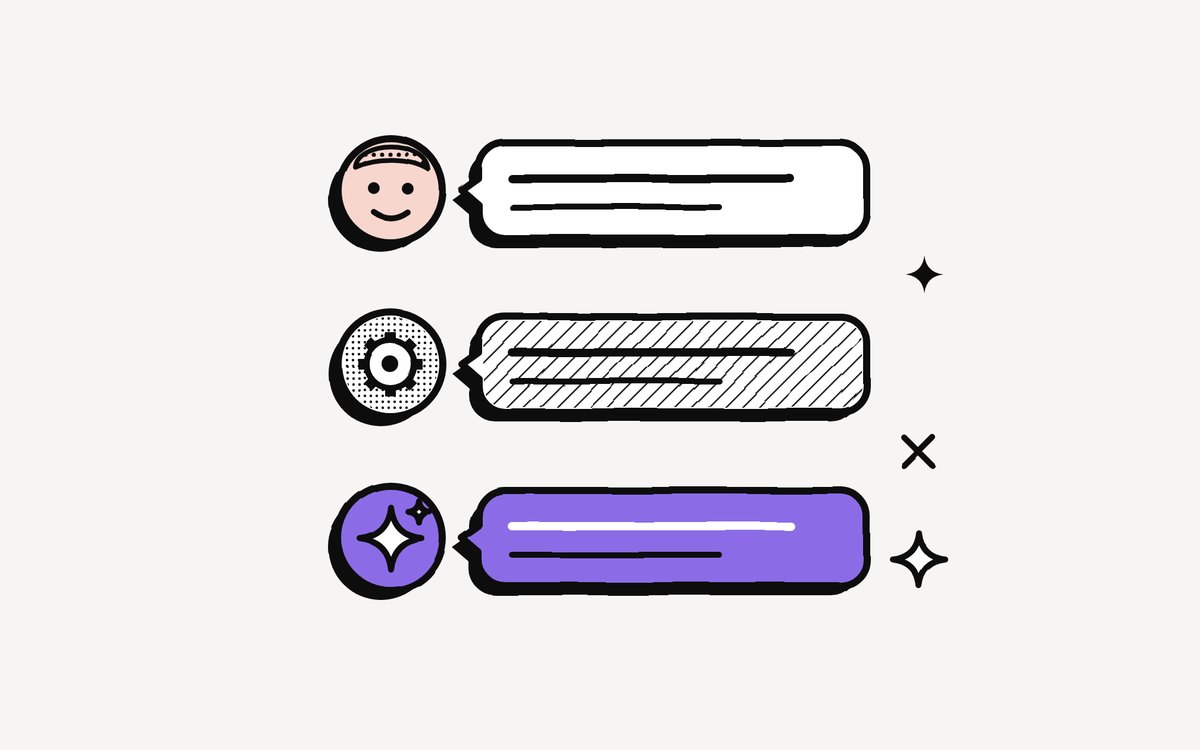
People, Systems, AI: Why Who Is Speaking Changes the Message
"Can you look at this today?" is one sentence and three different requests. People carry intent, systems carry facts, AI carries interpretations.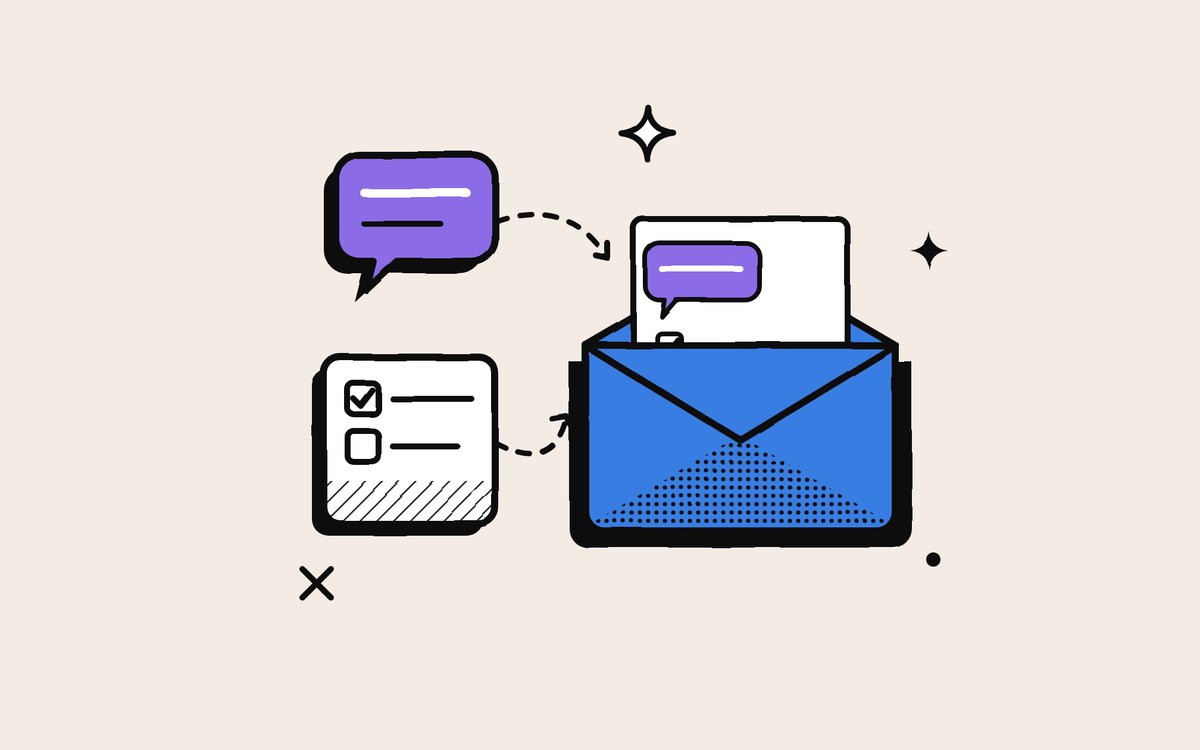
Why People Copy Slack and Asana Into Their Email (and Whether It Will Last)
The email echo is not a rejection of Slack or Asana. It is an insurance policy against their speed. Why people choose it, and what to do instead.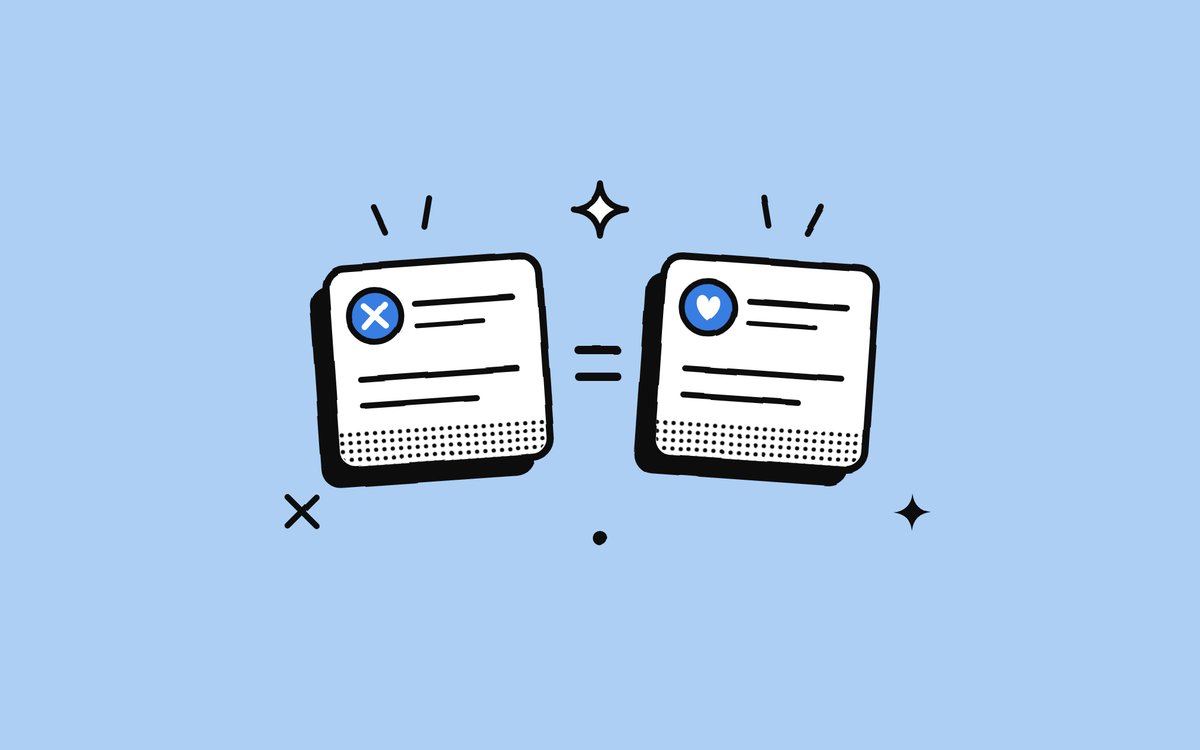
Why a Failed Build and a Thank-You Look Exactly the Same
Every kind of work communication now reaches you through the same narrow doorway. How flattening strips messages down, and why nothing on your screen tells you what matters.Your unified notification inbox for Slack, Gmail, Outlook and Asana.
Every alert understood, prioritised, and ready to act on. We don’t manage your work. We digest it for you.
No credit card needed