 Slack
 Gmail
 Outlook
 Asana
Why a Failed Build and a Thank-You Look Exactly the Same
They keep their names on the door. What they lose is almost everything else.
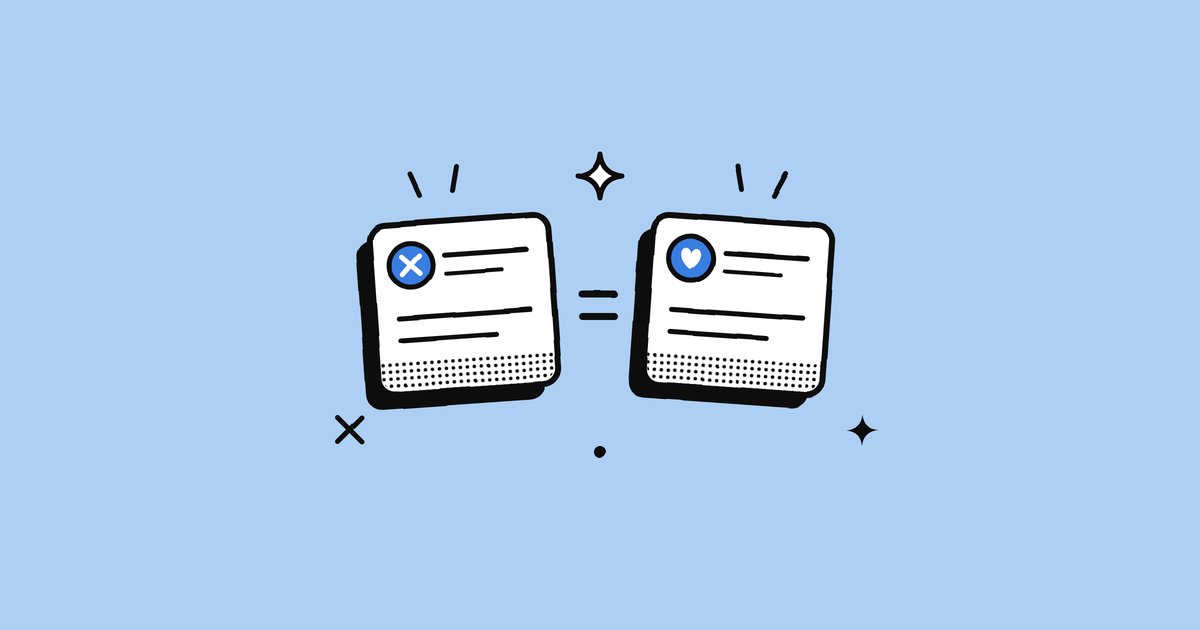
An email, a task, a comment and a thumbs-up are very different things. Yet each reaches you through the same narrow doorway: a small rectangle, a sound, a number on a badge. They keep their names on the door, so an email still arrives as an email notification. What they lose is almost everything else. That is why, on your screen, a failed build and a thank-you look exactly the same.
What becomes a notification
Follow an ordinary day and the sources pile up: messages from people, mentions, comments on documents and code, tasks and due dates, calendar invites and reminders, approvals, reactions and kudos, machine alerts like failed builds and security warnings, and now AI prompts like "you haven't replied to this". Each of these once had a pathway of its own. A letter was opened at the desk. A colleague walked over and waited for a pause. Now they all travel the same path, pressed into the same shape.
Free ebookThe Language of InterruptionThe research behind every notification you get at work: where they came from, what they cost and what to do about them. 131 pages, free PDF.Get it free →Flattened in two places
On your device, every app looks the same. The lock screen shows notifications from every tool in one shared format. A Gmail message, a Slack mention, an Asana task and a failed build arrive as near-identical banners. Apart from the icon and name, nothing on the screen helps you judge how much each one matters.
Inside each app, every event looks the same. Open an app's inbox or activity view, and a comment on your budget, a like on an old message, a new assignment and a moved deadline all sit in one list, in one style. The app knows the difference between them; its list barely shows it.
What is behind the card?
Six notifications as they look on a lock screen. Guess how much each one matters before you open it.
This interactive part needs JavaScript.
What flattening hides
Behind every notification sits something much larger: a long email, a thread of thirty replies, a document full of comments, a task with its whole history. The notification shows a slice: the app, the sender and the first few words. Every piece of work is reduced to the same short preview, so the card alone cannot tell you how urgent something is, how much lies behind it, or how it connects to everything else.
Then a second force takes over. Each notification is cut off from the rest of the work it belongs to, because one task is usually spread across several apps at once. That is fragmentation, covered in One Task, Six Notifications.
How to see past the flat card
- Use the types. Ask of each card: do I need to act, and does it need me now? Our guide to the 7 types of work notifications makes it quick.
- Let platforms do some sorting. Interruption levels on iPhone and importance levels on Android let urgent alerts look and behave differently.
- Send fuller first lines. If the card is all anyone sees, make it carry the ask, the timing and the stakes.
- Mute the shape you never need. Reactions and status changes are the easiest to flatten away entirely.
Frequently asked questions
Why do all notifications look the same?
Devices show every app's notifications in one shared format, and apps show every kind of event in one list style, so a trivial update and an urgent alert look almost identical.
What is notification flattening?
The stripping of a message down to a short preview (app, sender, first words) that hides how urgent it is, how much lies behind it and how it connects to other work.
How can I tell which notifications matter?
Ask whether you need to act and whether it needs you now, use interruption or importance levels where your phone supports them, and open anything with a deadline, a client or a failure in it.
Sources
- Send communication and Time Sensitive notifications, Apple WWDC21
- About notifications, Android Developers
Pressed into one shape, every message looks alike. Behind the screen, the work they belong to has scattered the other way.
Keep reading
More from the blog
People, Systems, AI: Why Who Is Speaking Changes the Message
"Can you look at this today?" is one sentence and three different requests. People carry intent, systems carry facts, AI carries interpretations.
Why Work Notifications Exploded: 5 Forces Behind the Flood
The office went quiet and the inbox got loud. Five forces that made work notifications explode, backed by the data, and why every notification now has to say more.
The Notification Is Now the Message
Nobody reads 270 messages a day in full. They read the notifications and decide. Why the notification has become the message, and why that changes how we should write.Your unified notification inbox for Slack, Gmail, Outlook and Asana.
Every alert understood, prioritised, and ready to act on. We don’t manage your work. We digest it for you.
No credit card needed