 Slack
 Gmail
 Outlook
 Asana
People, Systems, AI: Why Who Is Speaking Changes the Message
A notification is also a voice, and the same words sound different depending on who says them.
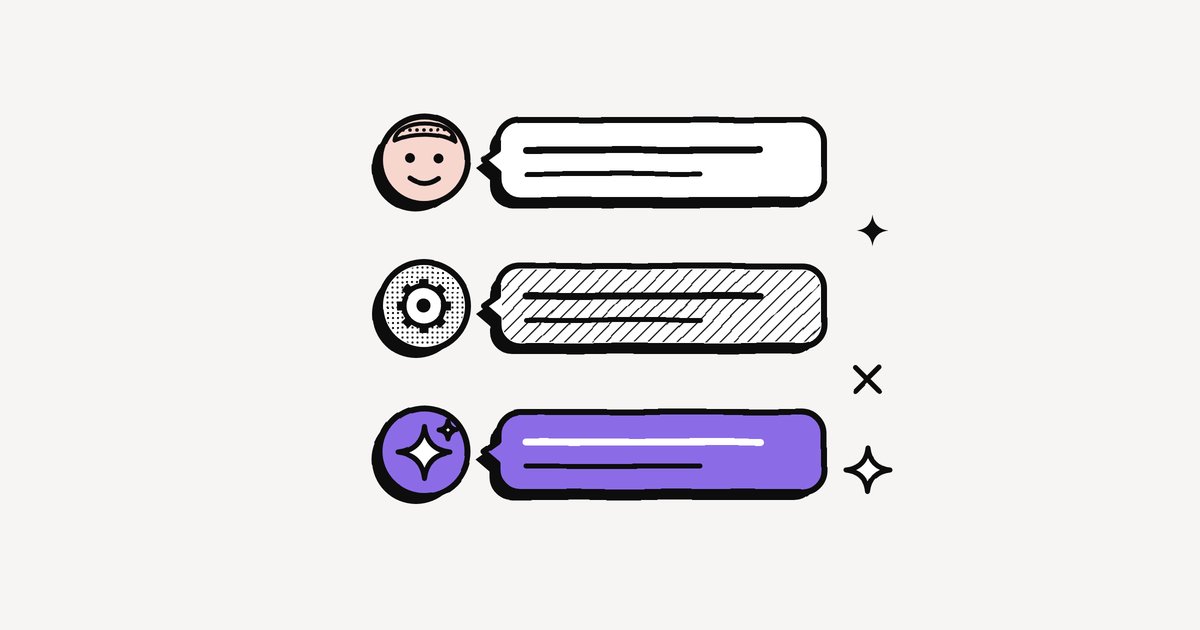
"Can you look at this today?" From your manager, it is a priority. From a ticketing tool, it is one of forty. From an AI assistant, it is a guess you might want to check. One sentence, three different requests. Who is speaking is the third dimension of every notification, alongside what it asks and how soon, and it can move a message from "now" to "never" in an instant.
The three voices of work notifications
- People carry intent. A colleague asks, tells or thanks, and we read the words through the person: their role, their habits, and how often their "urgent" has been real.
- Systems carry facts. Tools report every event precisely and never tire, so they speak most often. That volume teaches people to tune them out.
- AI agents carry interpretations. The newest voice speaks mostly about other notifications: a summary, a digest, a note that something needs you. How much weight it gets depends on how often it has been right.
What hospitals learned about machine voices
The clearest evidence of what happens when systems speak too often comes from hospitals, where the voice is a machine and the stakes are high. Studies there report that 72% to 99% of clinical alarms may be false, and staff grow less sensitive to all of them, the real ones included. Hospitals call it alarm fatigue (Europe PMC). Work tools are not ICUs, but the same slope applies: when a tool cries wolf all day, the one real alert sounds like the rest.
How would you treat it, depending on who sent it?
The same kind of message from different voices. Decide what each deserves.
This interactive part needs JavaScript.
The AI voice: trust that has to be earned
AI is the voice most likely to speak in someone else's place. When Microsoft ran an AI-written daily briefing email listing the promises people had made in their own emails, users valued the reminders, but the most common complaints were inaccurate or out-of-date items and reminders for tasks already done (Microsoft Research). One frequent user even changed how they wrote emails so the briefing would catch their action items. The reader had begun to write for the machine.
How to weigh each voice
- People: calibrate to the person. If someone's "urgent" is usually real, let them through your Focus mode. If it rarely is, ask them for deadlines (see fake urgency at work).
- Systems: keep only the alerts that need a person to act, and route the rest into a digest. Fewer machine alerts means the real ones get heard.
- AI: treat summaries as an index, keep the original a tap away, and spot-check regularly (see Your AI Chief of Staff).
Frequently asked questions
What is alarm fatigue?
When people are exposed to so many alarms, most of them false or unimportant, that they become less responsive to all alarms, including real ones. It is well documented in hospitals.
Should I trust AI notifications?
Trust them as much as they have earned. Treat summaries and reminders as a guide, keep the original a tap away, and spot-check them regularly.
Why do I ignore system notifications?
Because systems report every event without judgement, so most of their alerts do not need you. Keep only the ones that need a person to act.
Sources
- Alarm fatigue: a patient safety concern, Europe PMC
- Morrison, Iqbal and Horvitz, AI-powered reminders for collaborative tasks, Microsoft Research (CSCW 2024)
Three things decide how a notification lands: what it asks, how soon, and who is asking.
Keep reading
More from the blog
Why a Failed Build and a Thank-You Look Exactly the Same
Every kind of work communication now reaches you through the same narrow doorway. How flattening strips messages down, and why nothing on your screen tells you what matters.
Why Work Notifications Exploded: 5 Forces Behind the Flood
The office went quiet and the inbox got loud. Five forces that made work notifications explode, backed by the data, and why every notification now has to say more.
The Notification Is Now the Message
Nobody reads 270 messages a day in full. They read the notifications and decide. Why the notification has become the message, and why that changes how we should write.Your unified notification inbox for Slack, Gmail, Outlook and Asana.
Every alert understood, prioritised, and ready to act on. We don’t manage your work. We digest it for you.
No credit card needed